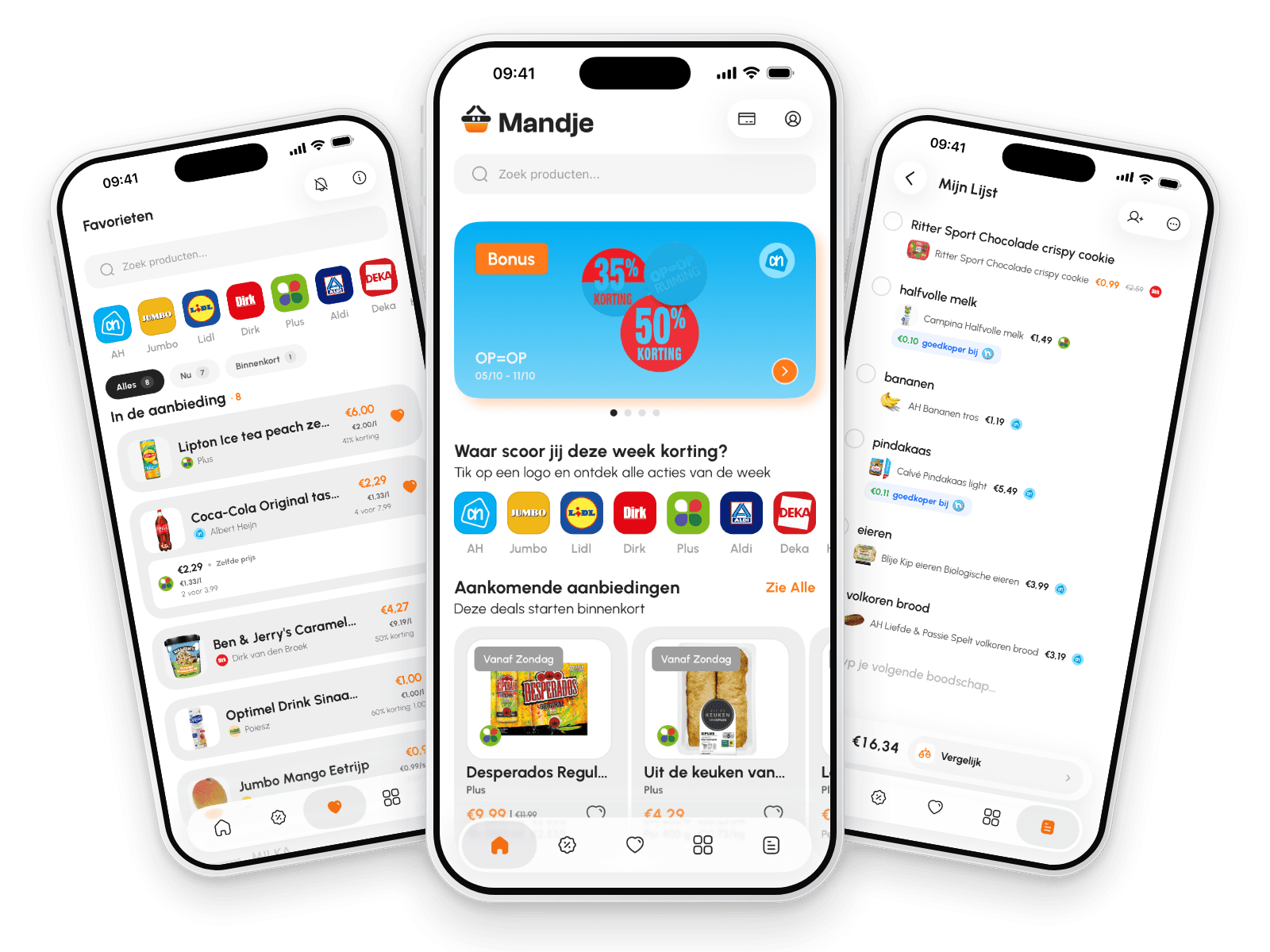
CAN I KEEP ALL MY LOYALTY CARDS IN ONE APP?
All your loyalty cards in one app, with the barcode ready at the checkout
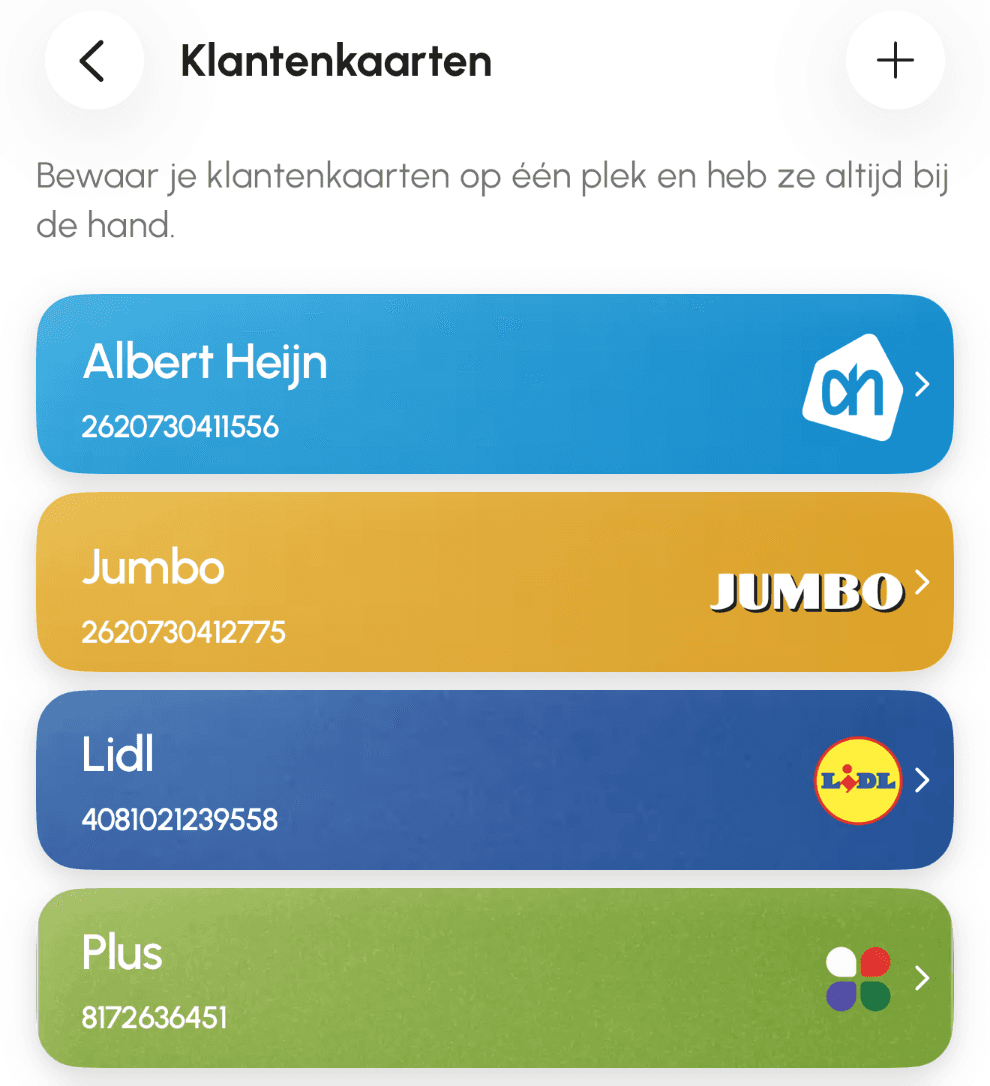
Yes. In Mandje you keep your loyalty cards from Albert Heijn, Jumbo, Lidl, Plus, Vomar and Hoogvliet in one place. At the checkout you open the card and the barcode fills the screen. One tap also puts it in your phone's own wallet: Apple Wallet on iPhone, Google Wallet on Android. You need a free account for it.


HOW IT WORKS
In three steps
- 1
Add your card
In the loyalty cards, tap +, pick your supermarket and scan your card's barcode with the camera. If scanning does not work, type in the number.
- 2
Show it at the checkout
Tap the card at the till: the barcode and the card number fill the screen, ready for the scanner.
- 3
Put it in your Wallet
The Wallet button adds the card to Apple Wallet on your iPhone or Google Wallet on Android, so you have it at hand without opening Mandje.
WHY MANDJE
Why this works better in Mandje
Your loyalty cards in the app where you also compare this week's offers at 10 supermarkets: one app at home and at the till.
The barcode shows big and sharp, ready for the scanner at the checkout.
Free, on iPhone and Android, with a free account.
MORE FEATURES
Also in Mandje
The same app, the same data from last night.
FAQ
Frequently asked questions
Answers to what people ask us most.
Those of Albert Heijn, Jumbo, Lidl, Plus, Vomar and Hoogvliet. In the loyalty cards, tap +, pick your supermarket and scan your card's barcode with the camera, or type in the number. Vomar is included, even though Mandje does not compare Vomar's offers. In the same app you also see this week's offers: on 18 October there were 8,929, at 10 supermarkets.
Ready to shop smarter for groceries?
Download Mandje for free and never miss an offer. Works on iOS and Android.
16,000+
People in the Netherlands
are already using Mandje
Average rating of 4.3 ★